
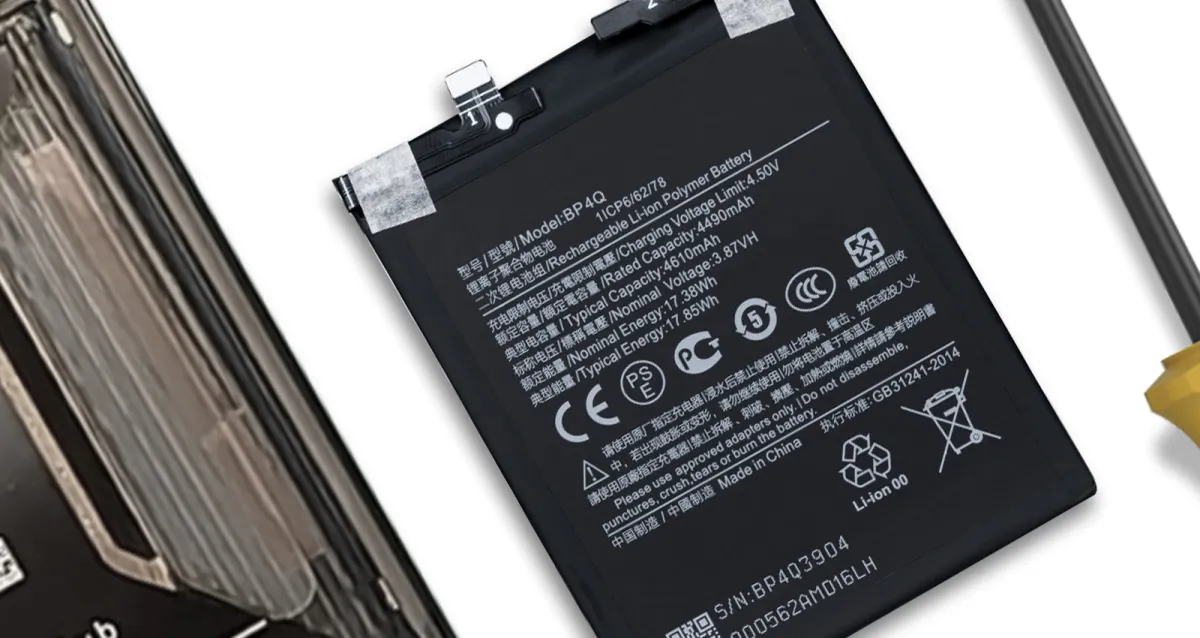
How to Extend Your Smartphone's Battery Life
Why does the battery seem to last less and less?
It's one of the most common complaints: you buy a new smartphone and the battery seems endless, but after a few months, it barely lasts until the end of the day. The truth is that phone batteries, made of lithium-ion, are consumable components. They have a limited number of charge and discharge cycles, and with time and use, their maximum capacity decreases. It's an inevitable chemical process.
The good news? While you can't stop battery aging, you can significantly slow it down with some simple habits. Taking good care of your battery not only gives you more daily autonomy but also postpones the need to replace it or buy a new phone. Let's see how you can make your battery last longer.
Charging Myths and Truths
How you charge your smartphone has a direct impact on long-term battery health. Many old myths no longer apply to modern batteries. Let's clarify the most important ones.
You don't need to let it go to 0%
Remember old phones whose batteries would get 'addicted' if you didn't fully discharge them? That was called the "memory effect" and happened with nickel-cadmium batteries. Current lithium-ion batteries do not suffer from this problem. On the contrary, frequently discharging them completely causes chemical stress that accelerates their degradation. Avoid letting your phone die whenever possible.
The 20-80% rule
If you really want to optimize battery longevity, try to keep it between 20% and 80% of its capacity. Why? Because the extremes cause the most wear. Charging the battery from 80% to 100% requires more effort and generates more heat, which is harmful. Similarly, using the phone below 20% forces the battery to work under strain. Of course, you don't need to be obsessed with this, but if you have the opportunity, charging a little during the day is better than doing a single full charge from 0% to 100%.
Charging overnight: yes or no?
This is the big question. The short answer is: it's not as bad as it used to be, but it's not ideal. Modern smartphones are smart and stop charging when they reach 100%. However, the phone remains connected to power, and as it loses 1% or 2%, it recharges back to the top. This process, along with the heat generated, can contribute to slight long-term wear. Many phones, like iPhones, have the "Optimized Charging" feature, which learns your routine and only finishes charging to 100% shortly before you wake up. It's a good feature to keep active.
Use quality chargers and cables
It can be tempting to buy that cheap charger from any store, but it's a huge risk. Poor quality chargers and cables may not have the necessary safety circuits to manage voltage and current, which can overheat and permanently damage your battery or even the phone itself. Always use the original charger or certified, trusted brand alternatives.
Smartphone Adjustments that Make a Difference
In addition to charging habits, small changes in your phone's settings can have a big impact on daily autonomy and long-term battery health.
- Manage screen brightness: The screen is one of the biggest energy consumers. Activate automatic brightness or, if you prefer, adjust it manually to a comfortable but not excessive level. Using "Dark Mode" on OLED screens also helps, as black pixels are turned off.
- Disable what you're not using: Do you always have Wi-Fi, Bluetooth, and Location (GPS) on? If you're not using them, turn them off. Even if they're not connected to anything, these services constantly search for signals, draining battery in the background.
- Control background updates: Many apps update their content even when you're not using them. Go to settings and disable "Background App Refresh" for applications that don't need to be constantly synced, such as social media or games.
- Use Power Saving Mode: When the battery is low, don't hesitate to activate Power Saving Mode. It temporarily reduces some functions, such as processor performance and background activity, to extract maximum autonomy.
External Factors to Consider
The environment where you use and store your phone also influences the battery.
Beware of extreme temperatures
The biggest enemy of a lithium-ion battery is heat. Avoid leaving your phone in the sun, inside a car on a hot day, or charging it on suffocating surfaces, like a bed. Excessive heat (above 35°C) can permanently degrade battery capacity. Extreme cold is also not good, but its effects are usually temporary.
Keep software updated
iOS and Android software updates often include power management optimizations. Keeping your operating system updated ensures you benefit from the latest efficiency improvements developed by manufacturers.
When is it Time to Replace the Battery?
Even with all precautions, a day will come when the battery can no longer cope. The signs are clear: the phone suddenly shuts down with 20% or 30% charge, the percentage drops sharply, or you have to charge it several times a day. On iPhone, you can check this in Settings > Battery > Battery Health & Charging. If the "Maximum Capacity" is below 80%, it's a sign that the battery is worn out.
If you identify with these problems, you don't need to buy a new phone. A battery replacement can give your device a new lease on life. At iCase, in São João da Madeira, we replace batteries quickly and professionally, using quality components to ensure the safety and performance of your smartphone. It's an economical and sustainable solution. You can visit our store or contact us for a diagnosis. If you're not nearby, we also work with secure shipping via Nacex nationwide.
Taking care of your battery is taking care of your investment. With these tips, your digital companion will be with you for much longer!
Ready to equip your smartphone?
Cases, chargers, screen protectors, and much more — with expert advice and fast shipping.