
How to Sell Your Used Phone for the Best Price
Your phone's second life
Buying a new smartphone is exciting, but the question always remains: what to do with the old one? Leaving it in a drawer is a waste of money and technology. Selling it is an excellent option: you recover part of your investment, help the environment, and give someone else the opportunity to own good equipment at a more affordable price. However, selling well isn't just about placing an ad. A well-prepared phone can sell faster and for a significantly higher value. In this guide, we'll show you all the steps to turn your old companion into the best possible deal.
Step 1: Preparation is Key
Before you even think about taking a picture, there's essential homework to do. First impressions last, and in the used market, trust is everything. A buyer who sees a clean phone, with its accessories, and ready to use, will feel much more confident to close the deal.
Perform a Full Backup
This is the most important step of all. Before doing anything else, ensure all your photos, contacts, conversations, and documents are safe. Data loss is irreversible, so do not skip this step. We already have a complete guide on backups on our blog, but here's a quick summary:
- If you have an iPhone: Use iCloud. Go to Settings > [Your name] > iCloud > iCloud Backup and make sure you have a recent backup. You can also connect your iPhone to your computer and back it up via iTunes or Finder.
- If you have an Android: The easiest way is through your Google Account. Go to Settings > Google > Backup and enable the option. This saves contacts, app data, call history, and much more. For photos and videos, the Google Photos app is your best friend.
Physical Cleaning: The First Impression
A dirty phone looks neglected and immediately devalues it. Dedicate 10 minutes to a thorough cleaning:
- Screen and body: Use a soft, lint-free microfiber cloth. If there are persistent fingerprints, you can slightly dampen the cloth with a 70% isopropyl alcohol solution. Never apply liquids directly to the phone.
- Ports and speakers: Dust and lint love to accumulate in the charging port and speaker grilles. Use a wooden toothpick (never metal!) or a soft, dry toothbrush to carefully remove dirt. A phone that doesn't charge well might just have a dirty port!
- Case and screen protector: Remove the old case and screen protector. If the screen protector is in perfect condition, you can leave it, but a scratched or bubbly protector only makes it look bad.
Gather Original Accessories
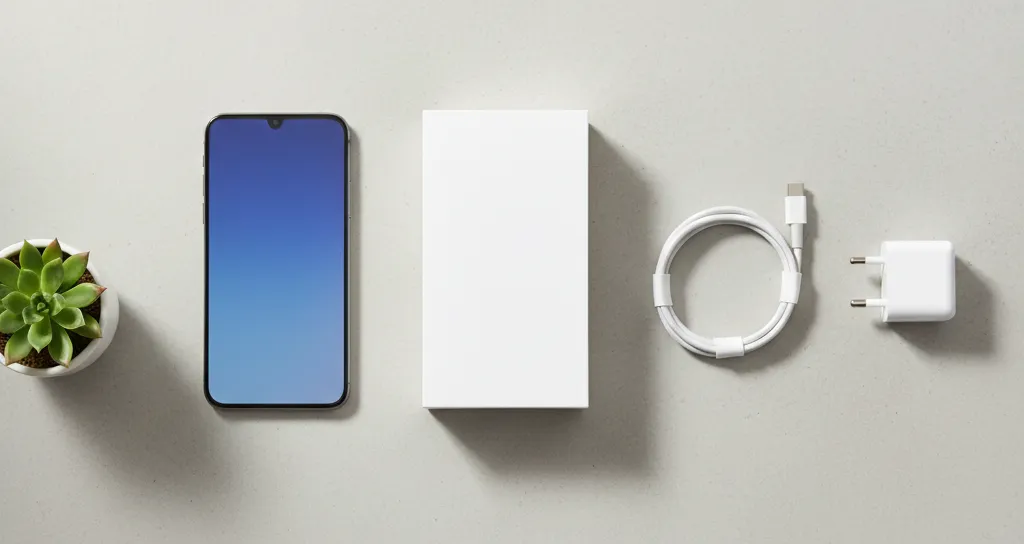
If you still have the original box, charger, cable, and even headphones (if you never used them), gather everything. A phone sold in its original packaging with original accessories has a much higher perceived value. It looks better cared for and complete, which justifies a higher price.
Step 2: Evaluate and Repair (or Not)
Now that the phone is clean, it's time for an honest inspection. Transparency is crucial for a smooth transaction.
Be Honest About the Condition
Check everything and take notes. Does the screen have scratches? Are they superficial or deep? Does the back or sides have drop marks? Do all buttons work? Do the cameras focus well and have no spots? What about the battery? On iPhone, you can check “Battery Health” in Settings > Battery. On Android, apps like AccuBattery can give an estimate. Describing the actual condition of the device, including minor flaws, builds trust with the buyer and avoids future disputes.
Are Small Repairs Worth It?
This is an important decision. A cracked screen or a battery with less than 80% capacity can drastically reduce the selling price. Often, investing in a small repair can bring a much greater return. For example, spending money to replace a battery might allow you to increase the selling price by more than the cost of the repair. If your phone needs a fix, visit iCase in São João da Madeira. Our technicians can give you a quote and tell you if the repair is worthwhile for selling. A phone with a new screen or a 100% battery is a very powerful selling point.
Step 3: Safety First - Erase Everything!
After the backup is done and the phone is ready, it's time to ensure none of your information is left behind. This step is crucial for your privacy and security.
Log Out of All Accounts
Before erasing everything, you need to disassociate the phone from your accounts. This is especially important for disabling anti-theft protections.
- On iPhone: Go to Settings > [Your name] and, at the bottom of the page, tap “Sign Out”. This will remove your iCloud account from the device and disable “Find My iPhone”.
- On Android: Go to Settings > Accounts and remove your Google Account and any other accounts (Facebook, etc.). This disables Google's Factory Reset Protection (FRP).
Factory Reset: The Final Reset
This is the last step. A factory reset completely erases all data and settings from the phone, leaving it like new, just as it came from the store.
- On iPhone: Go to Settings > General > Transfer or Reset iPhone > Erase All Content and Settings.
- On Android: The path may vary, but you usually find it in Settings > System > Reset options > Erase all data (factory reset).
After this, the phone is ready and safe to be handed over to its new owner.
Step 4: Create the Ad and Sell
With the phone prepared, clean, and secure, you're ready to create an ad that stands out.
The Perfect Ad
Take quality photos, with good natural light and a neutral background. Show the phone from all angles, the screen on (on the initial welcome screen), and any details or signs of use you mentioned. Also, photograph the box and accessories. In the description, be clear and concise: state the exact model, capacity (GB), color, battery health, what's included, and if it's unlocked. A good ad conveys seriousness.
Where to Sell?
Platforms like OLX or Facebook Marketplace are popular, but require some management and attention to security. If you prefer peace of mind and speed, consider other options. And if this whole process seems too complicated, remember that at iCase we buy your device or accept trade-ins. Furthermore, our selection of verified pre-owned devices with warranty is the perfect solution for those who want top-tier quality without the new price. And if you sell to someone far away, we use Nacex for fast and secure shipping nationwide.
Ready to equip your smartphone?
Cases, chargers, screen protectors, and much more — with expert advice and fast shipping.